TinyClub vs. Meetup
Compare TinyClub and Meetup on pricing, chat, payments, and member experience. Plus, get tips on moving your community off Meetup.
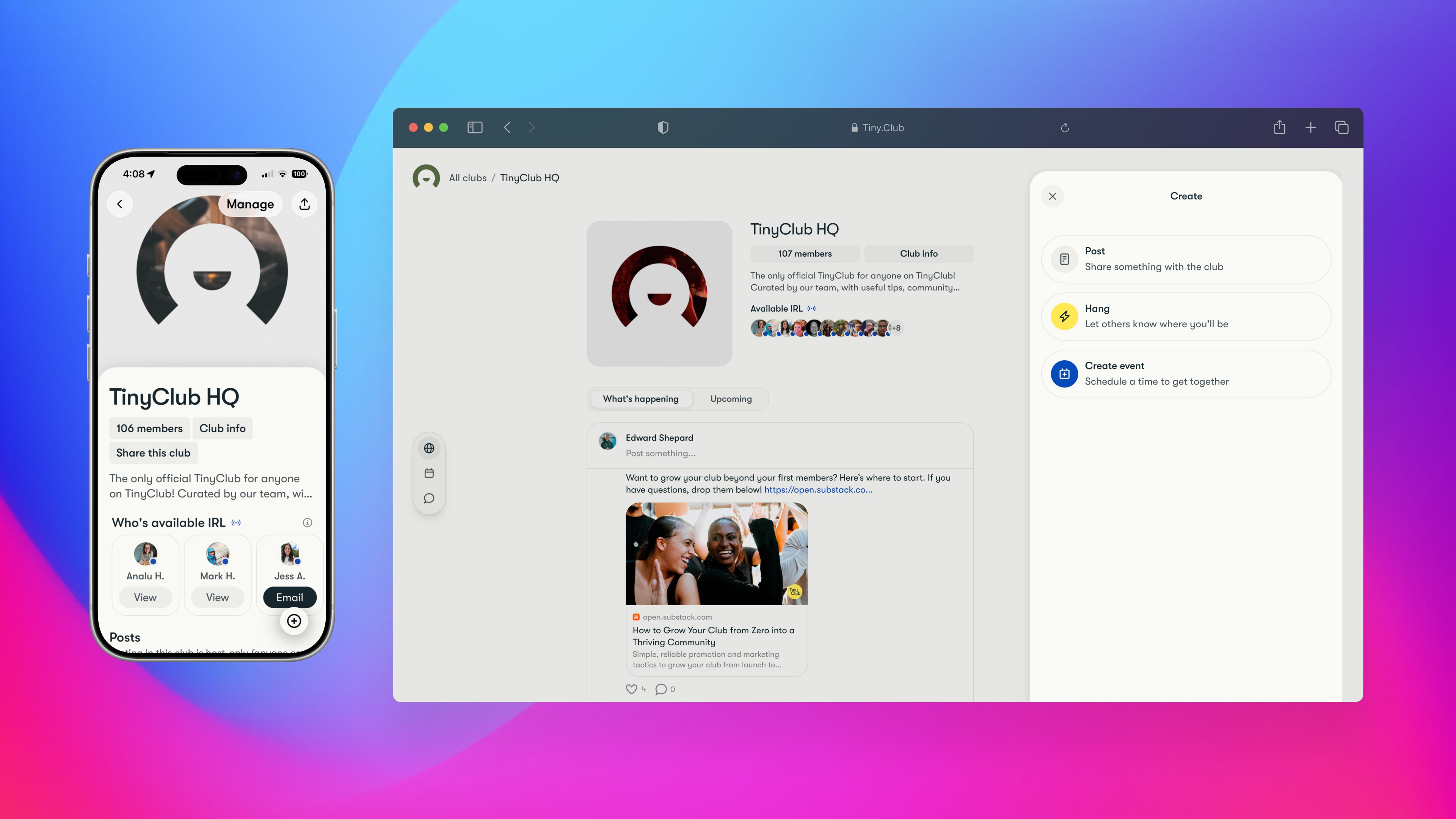
We built TinyClub because Meetup wasn't working for us anymore.
It was great back in the day, but over the years it became clunky, expensive, and far too much work for modern events and gatherings.
We're obviously biased. So here's an honest comparison — what each platform actually does, what it costs, and what happens to your community data if you decide to move.
Then, if you're ready, a straightforward guide to making the switch.
First, a note about what happens to your data, when you move away from Meetup. This is the part most organizers don't find out until they try to leave.
Meetup lets you export a member list with names, join dates, and attendance counts
Go to meetup.com/[your-group]/members/?op=csv to download it.
You won't get email addresses
Meetup removed them from the standard export and the API years ago. If you pay for Meetup Pro, you can access emails for members who've RSVP'd to an event and agreed to share their address — but there's no retroactive access, and even Pro organizers typically have emails for only a fraction of their list.
There's no bulk export for event history, photos, or discussion threads
Meetup's API now requires a Pro subscription just for OAuth access.
So what if you want to switch to TinyClub, or other community platform? Since you can't fully export your data, you need to guide your members through the move. We created templates to help you out.
TinyClub's approach
On any plan, simply request your member list and we'll send it to you.
Direct comparison
Where Meetup still wins
Discovery
Meetup has two decades of marketplace traffic. That's the main benefit of staying on Meetup today. It's their greatest moat (besides making it hard to move.)
Where TinyClub wins
Everything between events
Chat, posts, polls, a shared library, spontaneous hangouts. Meetup removed real-time chat in July 2024. TinyClub was built around it.
The member experience
No ads. No paywalled DMs. No pay-to-skip waitlists. Everyone gets the full experience.
Monetization
Memberships, ticketing, and donations with lower fees at every tier. Meetup's Member Dues take 7.5% + $0.50 per payment on top of Stripe processing.
Your data
Full export on Plus and Pro. No restricted APIs, no consent gates on basic member information.
How to move away from Meetup
You don't need a data migration. You need a communication plan. Your members already know and trust you — you just need to tell them where to go.
1
Export your Meetup member list
For your records, export from meetup.com/[your-group]/members/?op=csv
2
Set up TinyClub
Create your club, add a photo, make it feel like home. Get your co-organizers on first — have them explore before you announce anything.
3
Announce the move
Post on your Meetup group page. DM your most active members. If you have a WhatsApp, Signal, or GroupMe thread with your core crew, share the link there — that side-channel is your most powerful migration tool. Templates below.
4
Move your events
Create your club, add a photo, make it feel like home. Get your co-organizers on first — have them explore before you announce anything.
5
Convert in person
Create your next event on TinyClub instead of Meetup. Post a short notice on Meetup pointing people over. People follow the events, not the platform.
6
Wind down Meetup
our Meetup group will likely close within 30 days after your organizer subscription lapses unless someone takes it over. If you want to keep it as a redirect to TinyClub, maintain the subscription or hand the organizer role to someone willing to hold it. Either way, update your Meetup group description with your TinyClub link.
Communication templates
Copy, paste, swap in your group name and TinyClub link.
Group announcement (post on Meetup)
Hey everyone — we're moving [GROUP NAME] to TinyClub. It gives us group chat, events, RSVPs, and everything in one place. Free to join.
Here's the link: [YOUR TINYCLUB LINK]
We'll keep posting here for a couple weeks, then all events and updates move to TinyClub only.
— [YOUR NAME]
Direct message to members
Hey! Heads up — we're moving [GROUP NAME] to TinyClub. Same community, same events, better experience.
Join here: [YOUR TINYCLUB LINK]
Event description (your last Meetup events)
[Your normal event description]
NOTE: This is one of our last events on Meetup. Going forward, all [GROUP NAME] events will be on TinyClub. Join now so you don't miss anything: [YOUR TINYCLUB LINK]
WhatsApp / Signal / Group chat
We're moving [GROUP NAME] to TinyClub for events and updates. Same crew, better setup. Join here: [YOUR TINYCLUB LINK]
Some organizers have partial email lists — from Meetup Pro, a newsletter, or event registration. TinyClub lets you upload a CSV with names and emails to send invites directly. Even a partial list helps you get started.
Have questions? Need help?
Join TinyClub's TinyClub club! Our team hangs out there, and we can help you manage your move.